See where storage is going
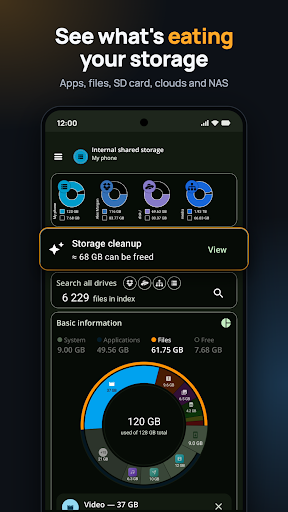
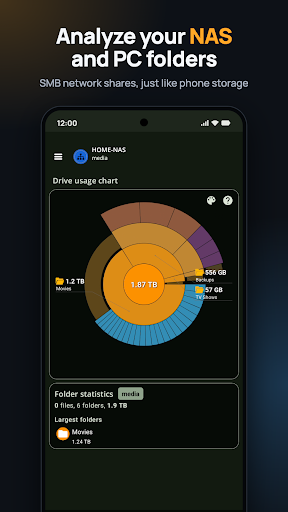
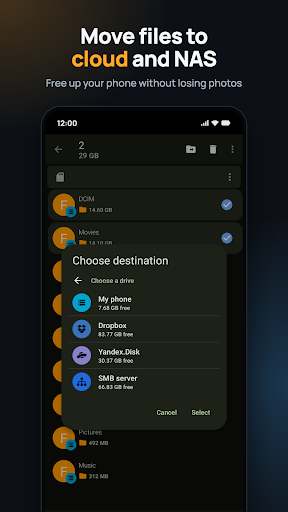
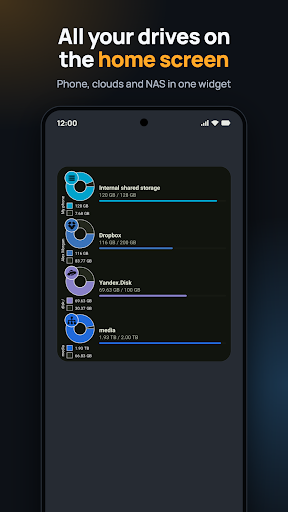
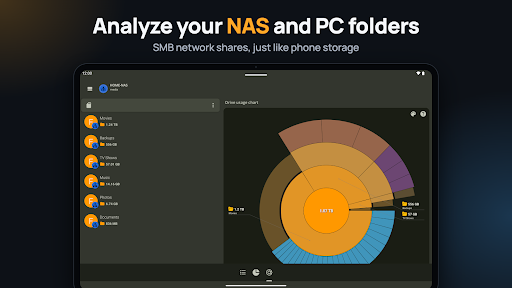
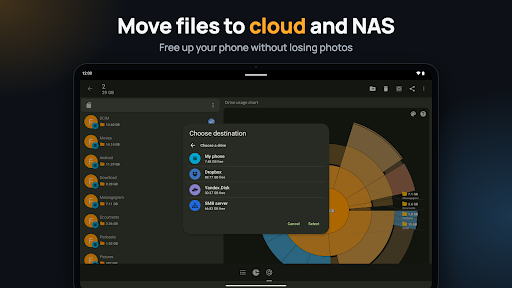
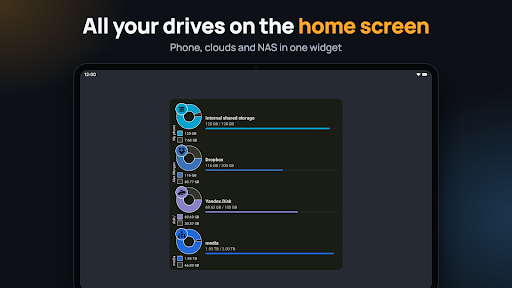
Storage Analyzer: Disk Cleaner maps the space used by files, folders and apps, helping Android users work out what is filling a phone or connected storage. It suits anyone who wants to inspect storage before deciding what to remove, rather than clearing items without checking. The app can scan internal storage, SD cards, USB drives, cloud storage and network folders.
Explore the breakdown
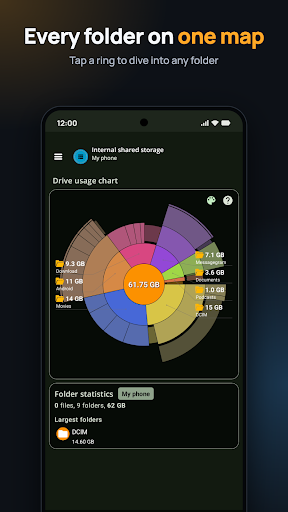
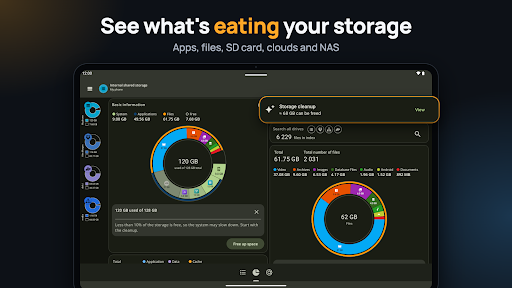
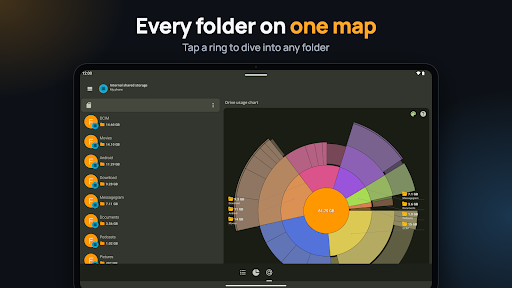
A sunburst chart represents folders and files by size, so larger sections point to heavier storage use. Tap through the chart to inspect what is inside, and switch between views grouped by file type or folder. Folder sizes, file counts and large items provide more detail when a broad overview is not enough.
Choose what to review
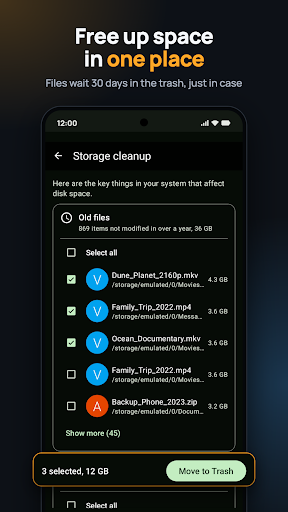
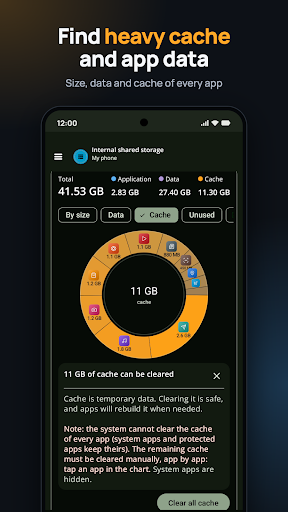
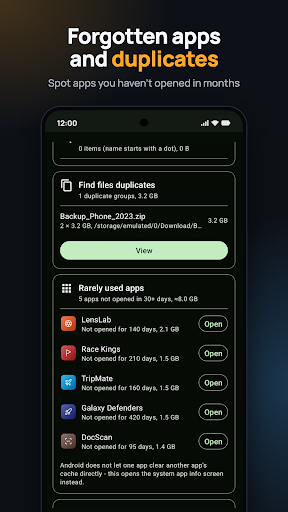
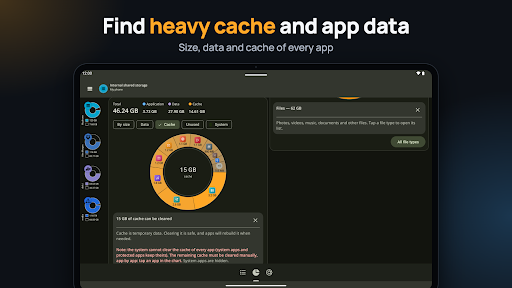
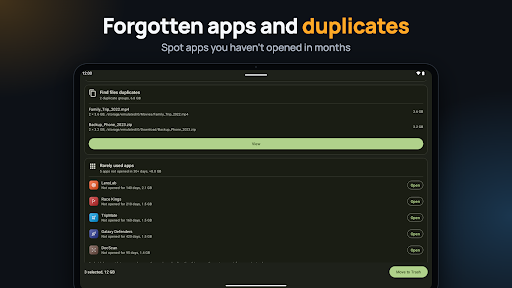
Find large files and folders, hidden items, older files and apps that have not been opened recently. An app list shows storage, data and cache use, with options to sort and search. The duplicate finder compares files such as photos, videos, music and documents across connected storage. You choose which items to act on; the app does not select files for deletion automatically.
Listing details
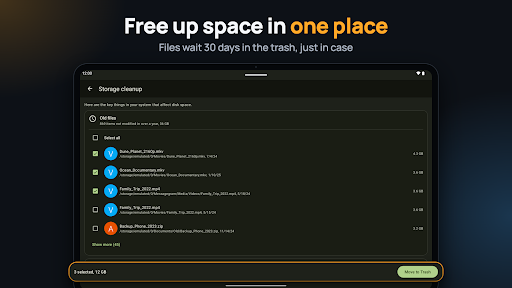
Cleanup actions are grouped for review, including items sent to the app’s trash, where deleted files can be restored or removed permanently. For clearing an app’s cache or uninstalling it, the app opens the relevant system controls. This makes the tool useful for a deliberate storage check, though it still takes your attention to verify each item before removing it.
- Category: Productivity
- Developer: Mobile Infographics Tools
- Rating: 4.25 out of 5 from 117,589 ratings
- Installs: 10,000,000+