Advertisement
Click to download now, finish the installation quickly, and directly unlock the all-round experience
Advertisement
Screenshots



Click to download now, finish the installation quickly, and directly unlock the all-round experience
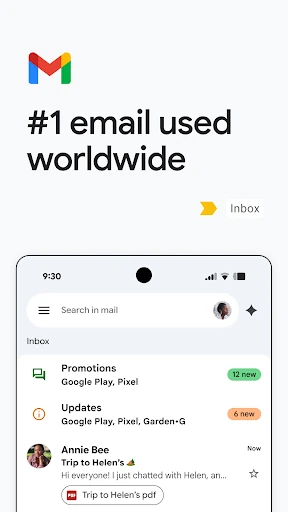
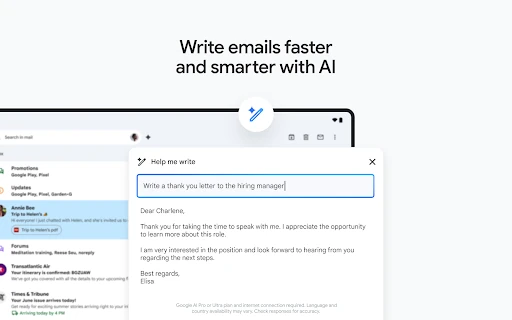
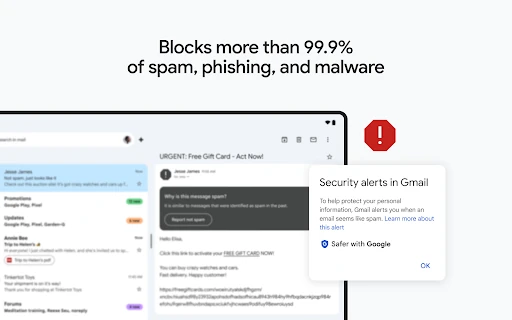
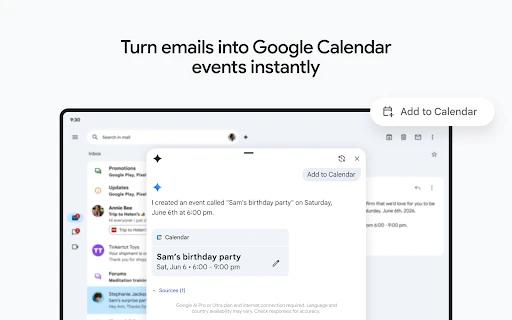
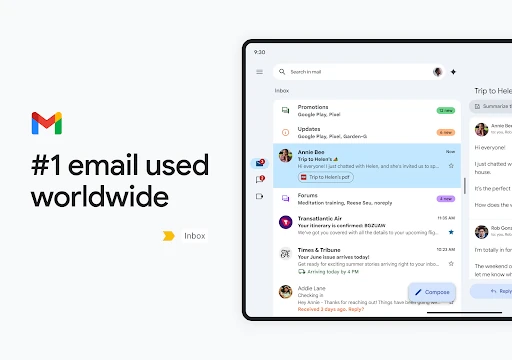
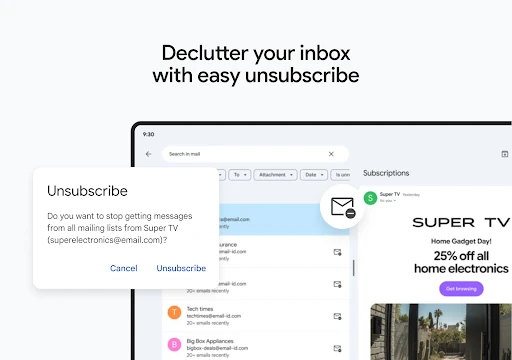
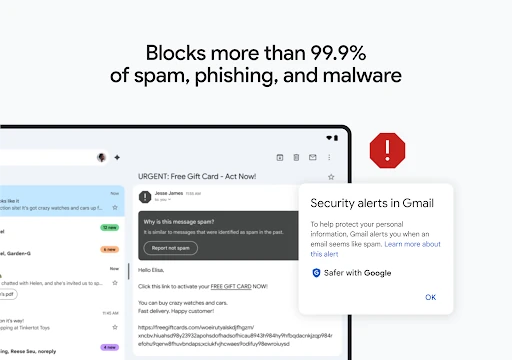
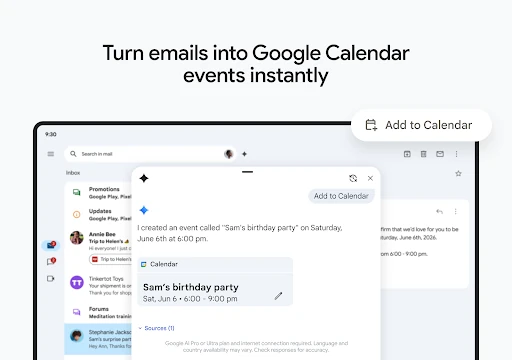
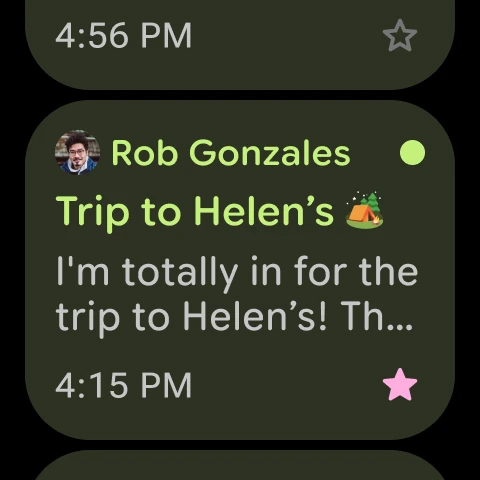
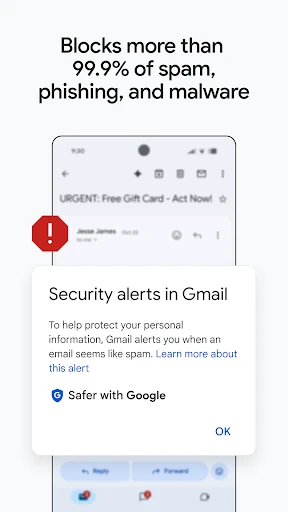
Gmail is an email app for reading, sending and organizing messages on an Android phone. It suits people who check personal or work mail throughout the day and want a familiar inbox with search, spam filtering and tools for handling busy message threads. It is published by Google LLC in the Communication category.
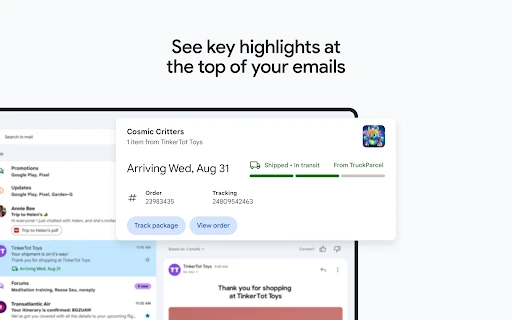
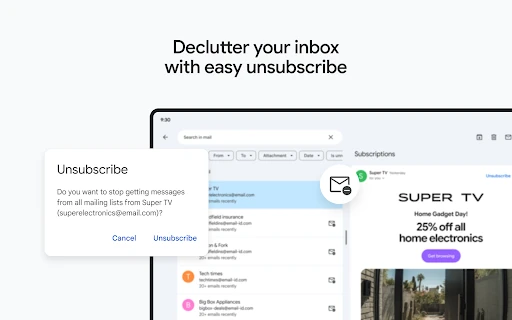
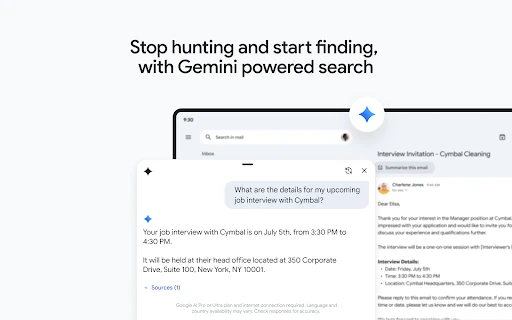
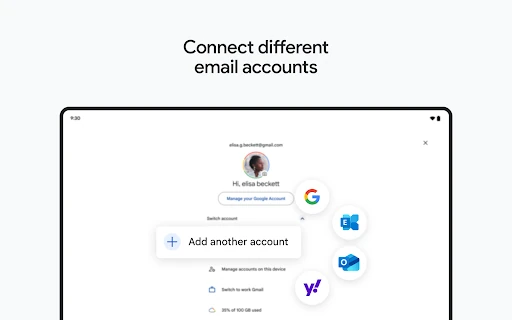
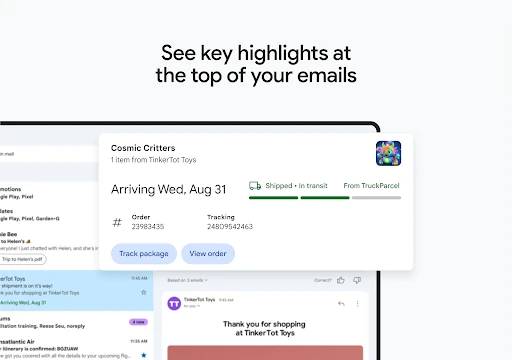
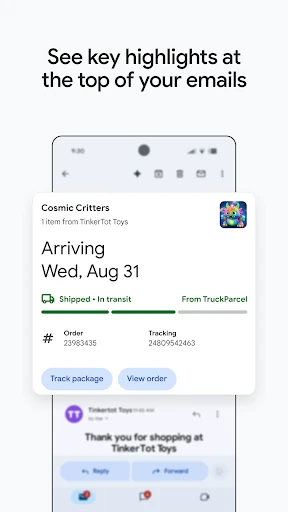
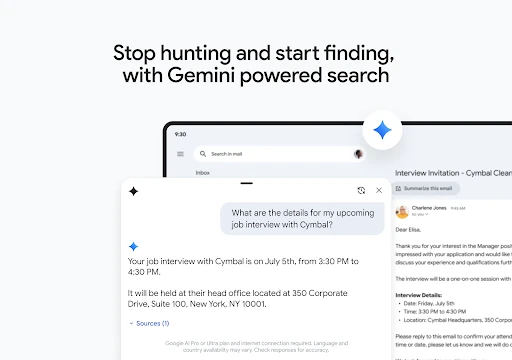
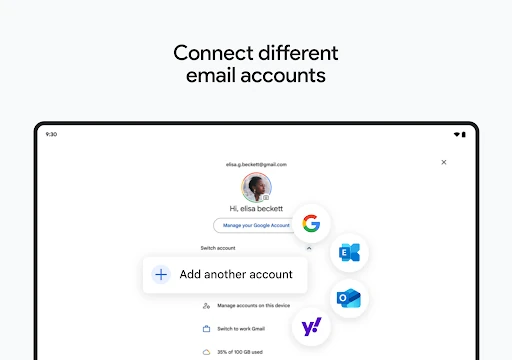
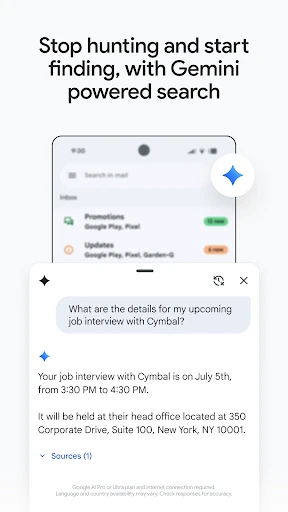
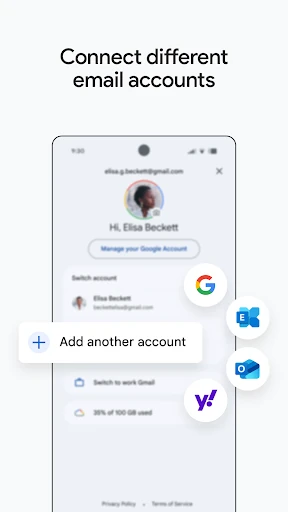
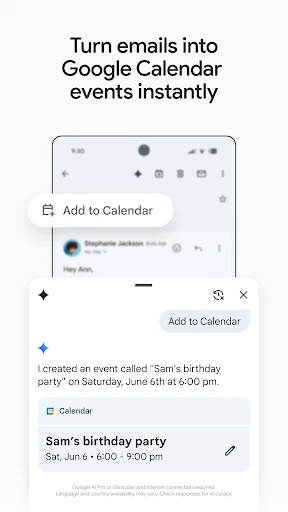
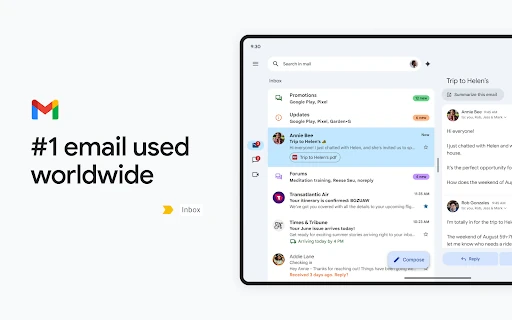
Search helps locate older messages without scrolling through every conversation. You can manage more than one email account in the app, and use labels, stars and archive actions to sort or put messages aside. Gmail can also surface information from some messages, such as travel or delivery details, so it may be easier to find the update you need.
Gmail is a practical pick if email is part of your daily routine, especially if you already use Google services. Its search and account tools can make one app useful across different inboxes. If you only check email occasionally, or prefer a very minimal mail app, its broader set of options may be more than you need.
Gmail has a 4.1-star rating from about 14.2 million ratings and is listed with 10,000,000,000+ installs. Those figures show how widely used it is, though they cannot tell you whether its layout and features suit your own habits. Treat it as the email tool in your daily kit, and keep it if it makes messages easier to handle.