ComicScreen - PDF, ComicReader
InstSoft
Downloads
1,000,000+
Source
Google Play
Advertisement
Click to download now, finish the installation quickly, and directly unlock the all-round experience
Advertisement
Screenshots
Click to download now, finish the installation quickly, and directly unlock the all-round experience
ComicScreen - PDF, ComicReader is a file-based reader for comics, PDFs and image pages. It suits readers who keep their collection on a phone, USB drive or network location and want tools for browsing and turning pages rather than a built-in comics catalogue. The app is published by InstSoft in the Comics category.
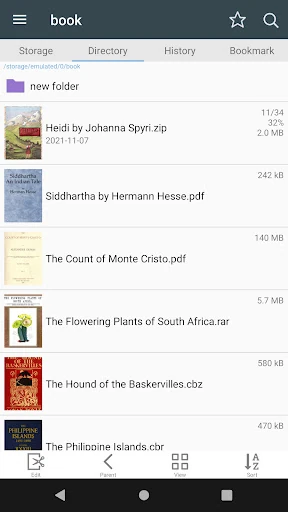
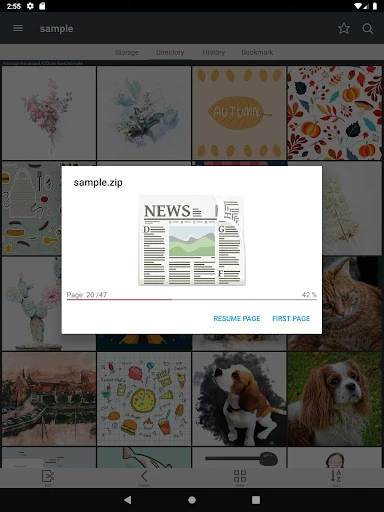
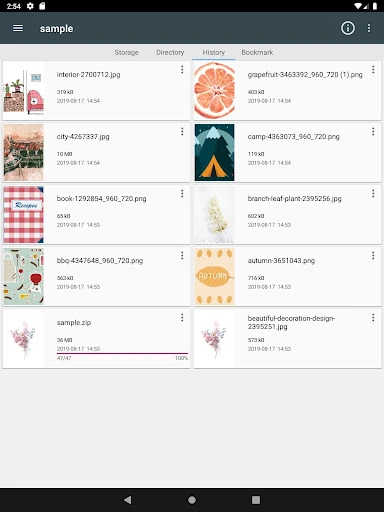
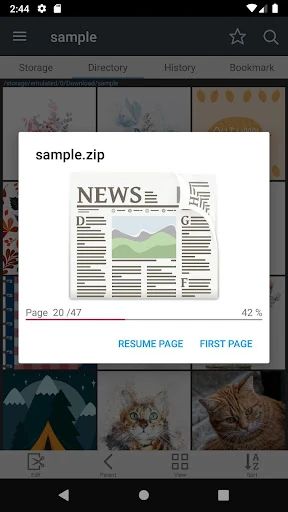
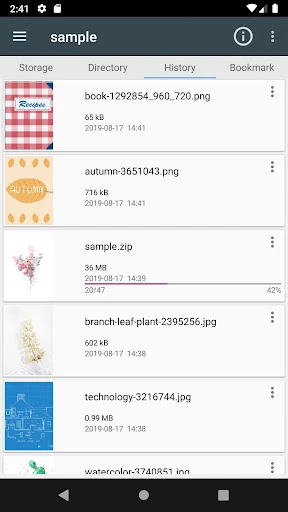
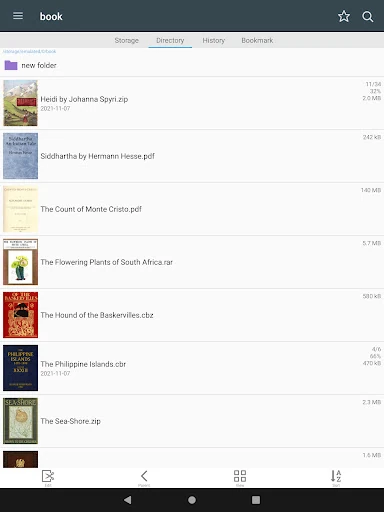
It opens PDF files and comic archives in ZIP, RAR, CBZ and CBR formats. For image files, supported types include JPG, PNG, GIF, BMP, TIFF, WebP and AVIF. A folder and file explorer lets you search, rename and delete files, and view images in folders. The app can also access USB-OTG drives and SMB or FTP network locations.
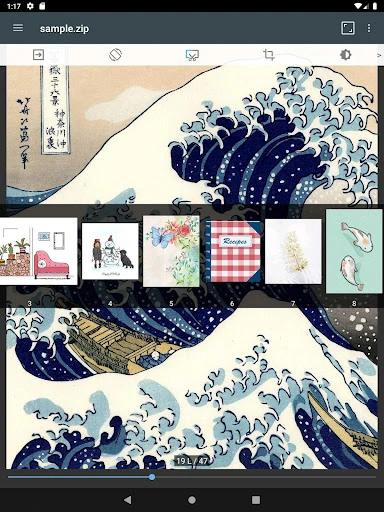
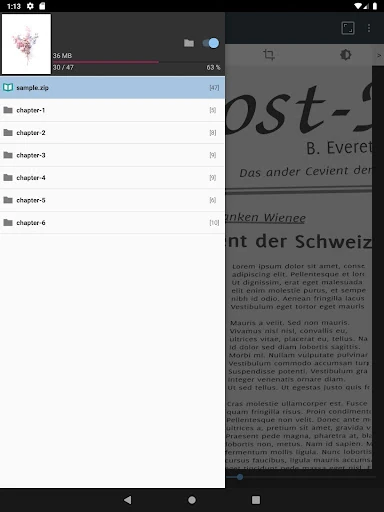
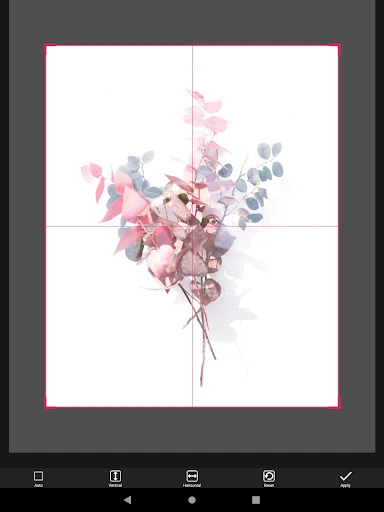
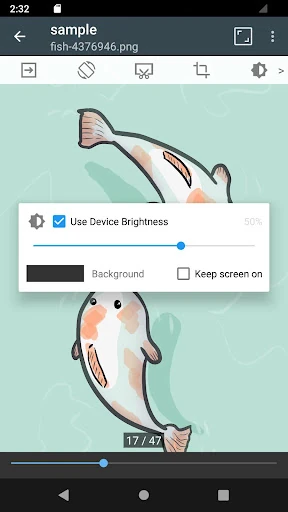
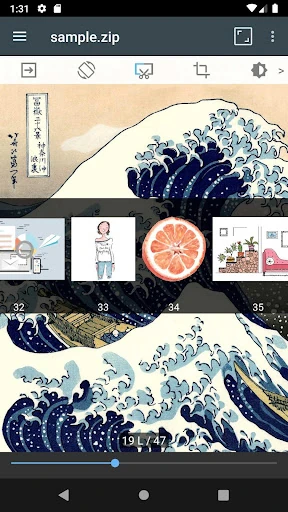
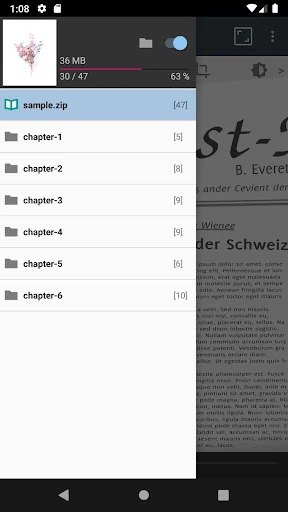
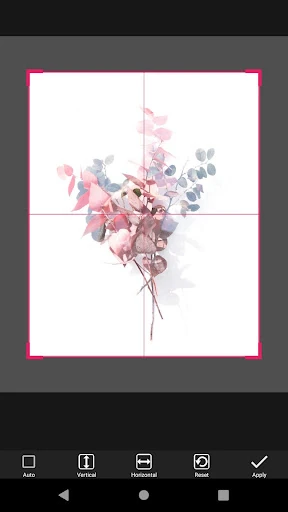
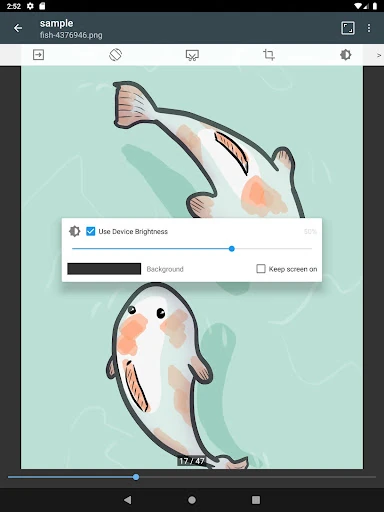
Reading controls include vertical, single-page viewing and horizontal, two-page viewing. You can preview a page before moving to it, use bookmarks with previews, and scroll through images smoothly. Other options include adjusting page margins, reordering pages automatically and moving through pages with hardware keys. If an archive contains folders arranged as chapters, the app can show a chapter drawer. Drag and drop is available for files and folders.
ComicScreen has a 4.7-star rating from 87,539 ratings and more than 1,000,000 installs. Those figures offer a sense of its reach, but the practical question is whether its file support and page controls fit the way you store and read comics. It is worth considering if you want one reader for several archive and image formats, plus PDFs, and need access to files beyond the phone’s local storage.