Advertisement
Click to download now, finish the installation quickly, and directly unlock the all-round experience
Advertisement
Screenshots
Click to download now, finish the installation quickly, and directly unlock the all-round experience
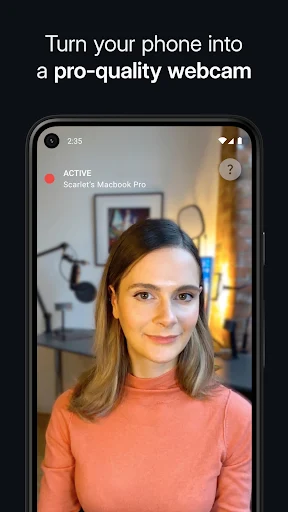
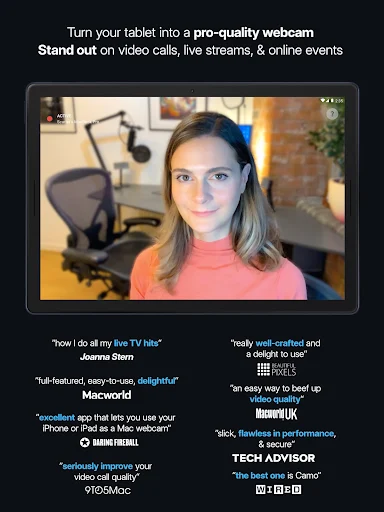
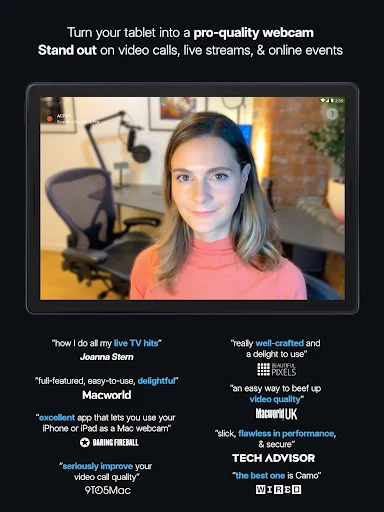
Camo Camera uses your phone’s camera as a webcam for video calls, live streams and online events. It suits people who want to use their phone for video on a computer, rather than rely on a built-in or separate webcam. The app works with Camo Studio on the computer, where you can preview and control the video.
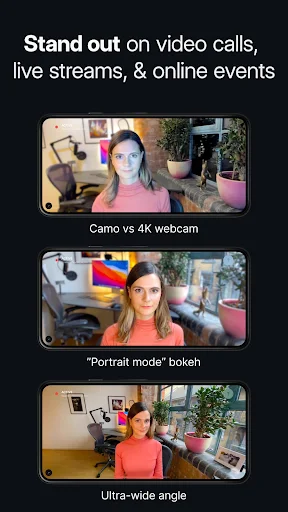
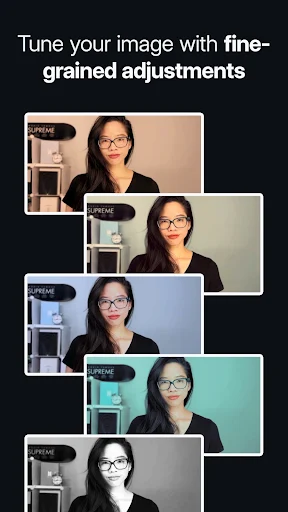
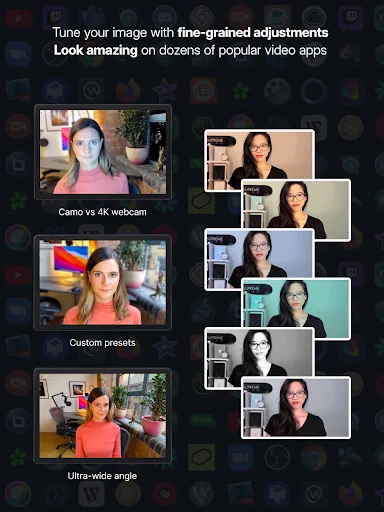
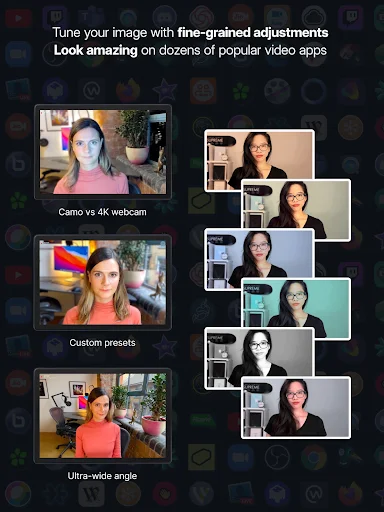
Camo offers controls for framing and image quality. Choose from the phone’s available lenses, then zoom, pan or rotate the view. You can also adjust colour, lighting, focus and exposure. Portrait mode adds a blurred background effect; a separate privacy effect diffuses the surroundings. The phone’s flash can be used as a torch to add light.
The phone connects to a Mac or PC over USB or Wi-Fi. Once the computer-side Camo Studio app is set up, it provides a video preview and controls without needing to adjust settings on the phone. Camo is intended for use with video meeting, recording and streaming software; the reference lists apps including Zoom, Google Meet, Microsoft Teams, OBS Studio and Skype.
The main consideration is that Camo is a phone-and-computer setup, not a standalone camera app for calls on the phone itself. It is worth a look if video calls or streaming are a regular part of your day and you want controls over how your phone camera appears on the computer.